The Unlisted Attendee: Auditing the AI Note-Taker Before Your Next Client Call

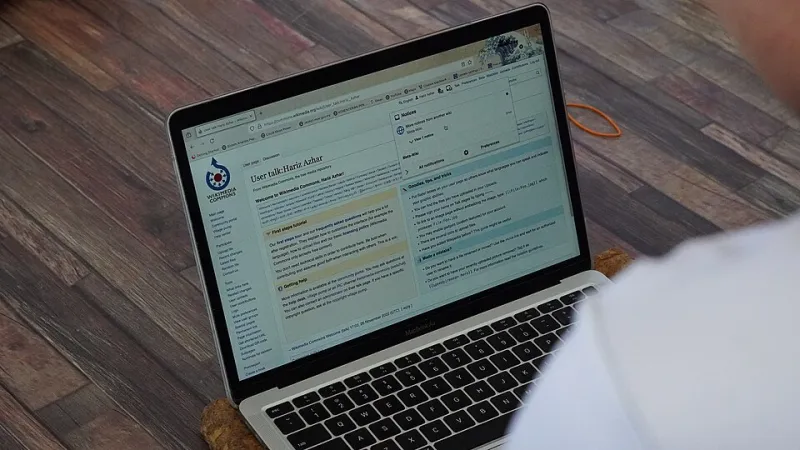
Photo: Francisclarke, CC BY-SA 4.0, via Wikimedia Commons
Somewhere between the calendar invite and the opening small talk, a third party may have joined the call. It does not say hello. It does not appear in the chat. But it is listening, turning speech into bullet points, and storing a recording somewhere outside your building.
AI meeting assistants are now built into many of the tools UK small businesses already use. Some arrive through Microsoft Teams or Zoom add-ons. Others are installed by an individual member of staff who wanted better notes. A few are switched on by default as part of a wider software bundle. The result is a growing list of bots with access to your calendar, your conversations and, potentially, your clients' confidential information.
This is not a reason to panic. It is a reason to look. The good news is that a basic audit takes about 20 minutes and does not require a degree in cloud security. You just need to know where to look and what questions to ask.
Start with the calendar, not the app
Most meeting bots do not need to be invited to every call. They sit inside your calendar system and decide which events to join based on rules set somewhere in the background. That means the first place to check is not the bot itself, but the calendar platform your business uses.
If you run Microsoft 365, ask an administrator to look at the Microsoft Teams admin centre and the Entra admin centre. Search for apps with calendar or meeting permissions. Look for names that suggest recording, transcription, note-taking or assistance. Do the same in Google Workspace if that is your setup. In Zoom, review the app marketplace approvals and any installed integrations.
Do not forget the individual user angle. Staff can often install a browser extension or connect an app to their work account without raising a ticket. In Microsoft 365, review enterprise applications and user consent settings. In Google Workspace, check app access control and third-party app listings. You are looking for anything that can read calendar events, join meetings, access recordings or read files.
The three questions that matter
Once you have a list, ask three plain questions about each tool.
First, who switched it on? A tool approved by IT after a review is very different from a free add-on installed by one person on a Friday afternoon. You want a named owner and a business reason.
Second, what does it capture? Some assistants only generate text summaries. Others record audio, video, screen shares and chat. Some keep transcripts indefinitely. Others delete after a set period. The difference matters when a client call covers pricing, staff issues or legal advice.
Third, where does the data go? Most AI note-takers process information in a third-party cloud. That may be perfectly acceptable, but you need to know which company holds the data, where it is stored and what contract covers it. Under UK GDPR, your business is still responsible for that information. A supplier's privacy policy is not the same as a data processing agreement.
Run the 20-minute audit
Set a timer and work through this in order.
- List every meeting or note-taking tool connected to your calendar or video platform. Include built-in features and add-ons.
- Check auto-join settings. Look for rules that let a bot join external meetings, client calls or all calendar events by default.
- Review admin consent. Identify which apps have been approved for the whole organisation and which were approved by individual users.
- Open one recent transcript or summary. Confirm what was captured, who can see it and how long it is kept.
- Check retention settings. If the answer is 'forever' or 'not sure', that is your next fix.
- Look at your client-facing paperwork. Does your privacy notice or engagement letter mention meeting recording and AI processing? If not, decide whether it should.
Twenty minutes will not answer every question, but it will tell you whether you have a tidy setup or a cupboard full of unlabelled plugs.
Consent is a process, not a pop-up
A bot announcing itself in the meeting chat is not the same as proper consent. For UK businesses, the sensible approach is to tell people what is being recorded, why, who can access it and how long it will be kept. Give them a way to object or ask for the assistant to be switched off.
That is especially important for client calls. Accountants, solicitors, HR consultants and anyone handling sensitive commercial information should think carefully before letting a generic note-taker process a confidential conversation. In some cases, the right answer is to disable the bot for external meetings and take notes the old-fashioned way.
What good looks like
A reasonable small-business setup is not complicated. Keep AI note-taking off by default for external meetings. Approve one or two tools after a basic review. Make sure a data processing agreement is in place. Set a retention period that matches your business need, whether that is 30, 90 or 180 days. Give an administrator responsibility for reviewing connected apps every quarter. Tell staff what is allowed and what is not.
If you find a bot nobody remembers installing, do not just delete it and move on. Revoke its access, remove it from user accounts, check whether any recordings were created and tell the people who used it why it has gone. A quiet cleanup is better than a quiet leak.
The point is not to ban note-taking
AI meeting notes can save time, improve follow-ups and help smaller teams keep decent records. The problem is not the technology. The problem is when it arrives without a decision, sits in the background for months and quietly becomes part of your data footprint.
Before your next confidential client call, spend 20 minutes finding out who is in the room. If the answer includes a bot you did not invite, you have found a useful place to start.